Razer built a gaming headset that’s meant to leave the house. I gamed and commuted with it to find out whether looking like normal headphones costs it anything at the desk.
Patch Bowen·26 Oct 2026·12 min read
The Razer Barracuda V2 Pro is a gaming headset first and a pair of everyday headphones second, and it’s good at both. It has an excellent mic, noise cancelling that rivals dedicated travel headphones, a 70 hour battery. It costs NZ$399.95 from Razer’s NZ store and there's no Xbox support.
There’s a particular look to a gaming headset. Big, angular, a bit aggressive, and completely at home at a desk. Razer’s own BlackShark V3 Pro is the archetype. Wear it on a bus and you look like you’ve wandered off from a LAN party.
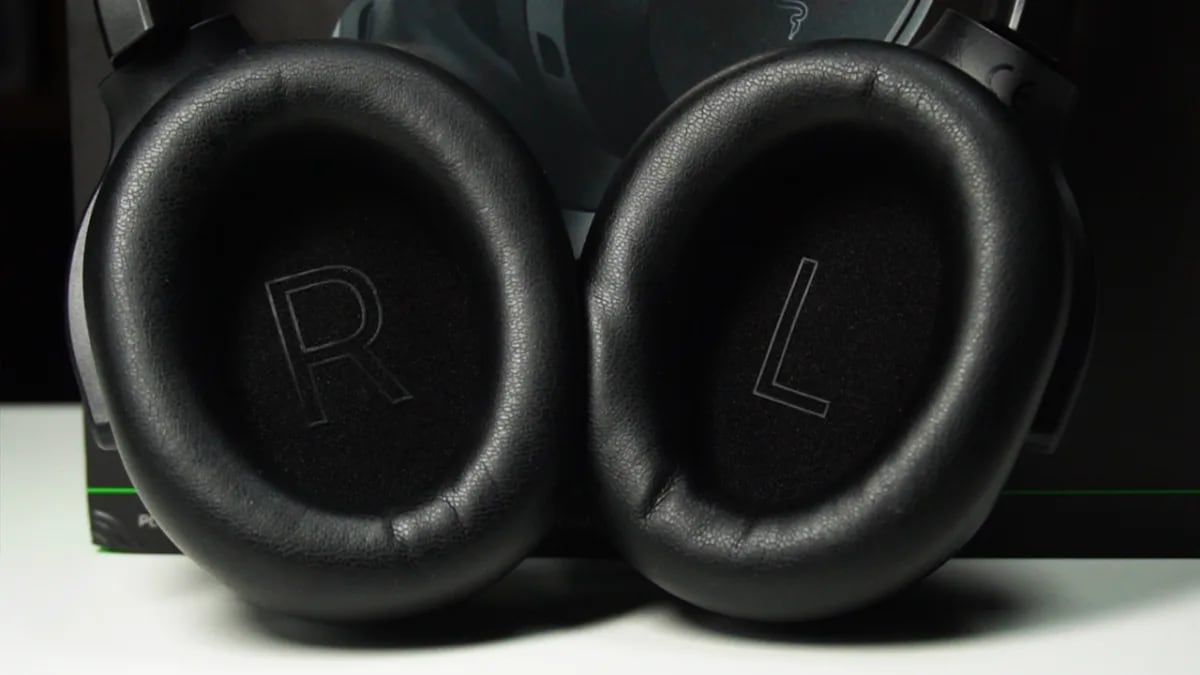
The Barracuda V2 Pro is Razer’s attempt at the opposite. Line it up next to a pair of Sony WH-1000XM5s and JBL’s Tour One M3s, hide the logos, and I doubt most people could tell you which one is the gaming headset. It’s plain, black and low key, and it folds flat like a travel pair.
That’s a nice idea, but it raises an obvious worry. A headset that’s been designed to be worn out of the house might have given something up when it comes to gaming. I spent my time with the Barracuda trying to find out what that something was, and I couldn't find anything.
Who is the Razer Barracuda V2 Pro for?
The short version is anyone who’s tired of owning two pairs of headphones. This is for the person who games at a desk in the evening, listens to music on the bus in the morning, takes calls through the day and would rather do all of it with one headset than carry a gaming pair and a travel pair around. It connects to PC, PlayStation, Switch and Steam Deck, but not to Xbox, and there’s no Xbox version coming.
At NZ$399.95 it lands in the middle of the market, though for a headset with real noise cancelling that’s actually the cheaper end. The BlackShark V3 Pro, Sony’s Inzone H9 and SteelSeries’ Arctis Nova Pro Wireless all launched for more, so on paper you’re paying less and getting more, provided it holds up as a gaming headset before anything else.
Specifications
Drivers
Razer TriForce Bio-Cellulose 40 mm
Weight
285 g
Noise cancelling
Hybrid ANC, four levels plus ambient mode
Connectivity
2.4 GHz dongle (Razer rates it at 20 ms latency) and Bluetooth 6.0, both at once
Mic
Detachable boom mic plus hidden internal mics, AI noise cancellation on both
Battery (Razer’s figures)
Up to 70 hours on 2.4 GHz with ANC off, up to 50 hours with ANC on
Charging
USB-C
Spatial audio
THX Spatial Audio+ 7.1.4, Windows 11 and Synapse only
Platforms
PC, PlayStation, Switch, Steam Deck, mobile. No Xbox
Design
Folds flat, dongle stores inside the earcup
NZ RRP
NZ$399.95
Warranty
Two years from Razer
Does it still sound like a gaming headset?
It does, and it took about one evening to stop worrying about it. I played The Finals, Wardogs, Gears of War: E-Day and The Blood of Dawnwalker, which is a decent spread of twitchy shooters and slower story games, and across all four the sound was big and deep and easy to read. Footsteps came from a direction rather than a vague zone, gunfire had a sense of distance, and the quieter layers of a game, the soundtrack and the ambient detail, had room to breathe instead of being flattened under the bass.
Two of those games, The Finals and E-Day, support THX Spatial Audio+, which is Razer’s virtual surround and places sound around and above you rather than just to the left and right. I’d keep expectations in check here, because it’s still two drivers and some clever maths, and virtual surround has a long history of promising a cinema and delivering a slightly wider stereo image. That’s roughly what you get, a little more width and a clearer sense of where things are, and it’s a welcome bonus rather than a reason to buy. It’s also PC only, so PlayStation and Switch players never see it, and it’s worth checking whether a game actually supports it before you turn it on. The Blood of Dawnwalker and Wardogs aren’t THX certified, and both sounded better to me in plain stereo, so look for the small THX icon beside a game in Synapse and treat it as the rule.
Music is the other half of the story and it’s where most gaming headsets fall over, because a tuning that makes footsteps pop tends to make a song sound thin. The Barracuda avoids that. Bass has proper weight, the mids are full, and nothing sounds hollow or scooped. If you want to shape it further, the EQ profiles live on the headset itself rather than in software, so you can build one in the app, flip between them with a button, and they’ll follow you from the PC to your phone to the PS5. One profile for the commute, another for competitive gaming, and no fiddling when you change devices.
How good is the mic?
Better than it has any right to be at this price, and its the single thing about the headset that impressed me most.
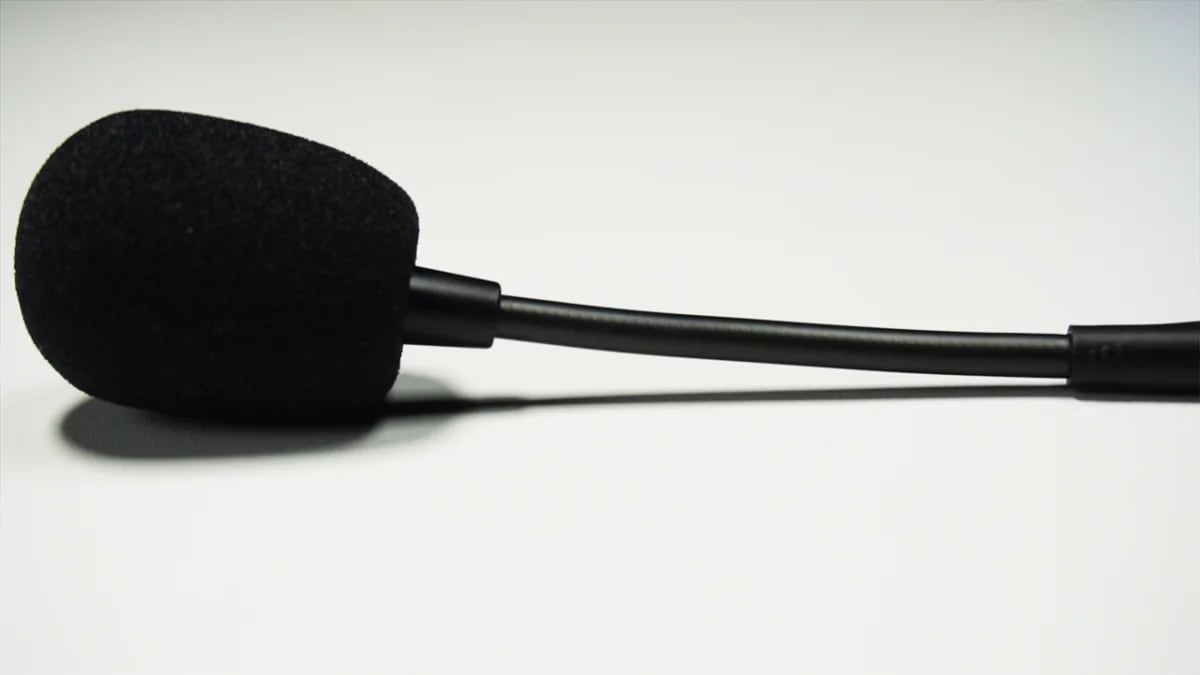
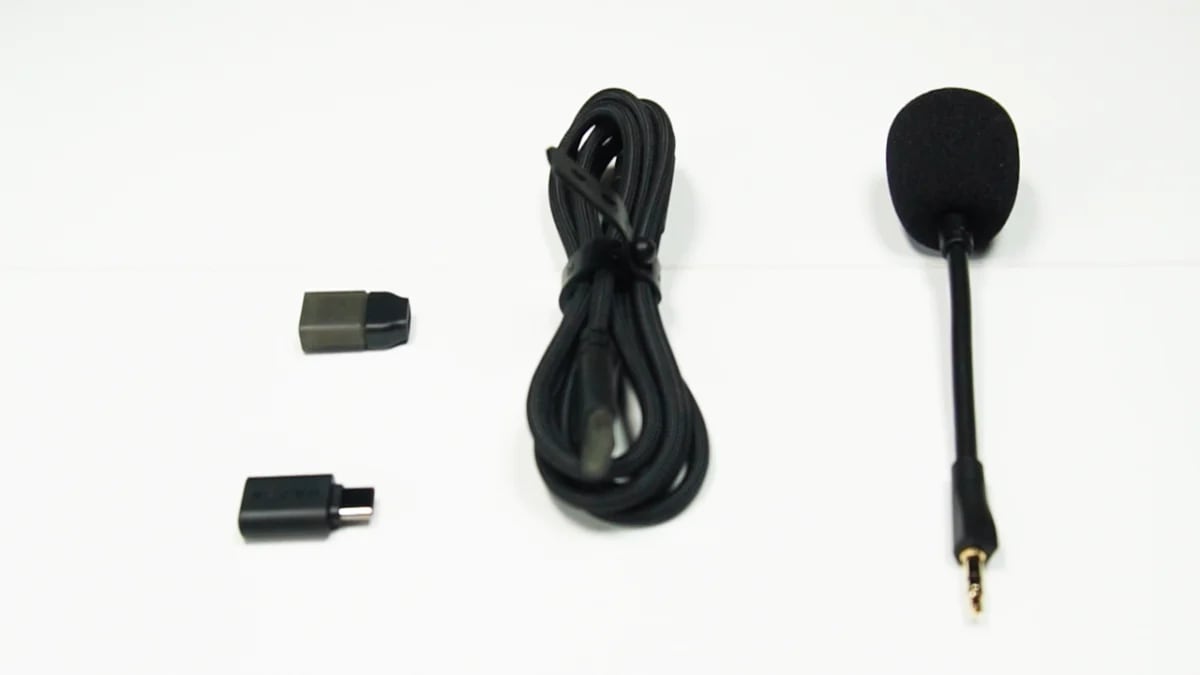
Razer gives you two mics and lets the headset choose between them. There’s a detachable boom mic that clips on for voice chat at the desk, and the moment you pull it off a pair of hidden internal mics take over for calls, so you’re never wearing a boom arm on the bus. Both get Razer’s AI noise cancellation. The boom mic is crisp and natural even with that processing switched off, and while the internal mics are a step down, as you’d expect, they’re still clearer than most built in headset mics I’ve used.
To see what the AI noise cancellation actually did, I sat at my usual distance from the desk and typed on a Logitech G915 X with tactile switches, which is loud enough to annoy anyone on the other end of a call. With the processing off, the keyboard was faintly there in the background. With it on, it was gone, not quieter but gone, and my voice came through clean in both passes without the AI clipping the start or end of a sentence the way these systems often do. My advice is to turn it on and never think about it again, because this is one of the best headset mics I’ve used at any price.
What about connecting it to everything?
The Barracuda gives you two ways in and lets you use both at once. A 2.4 GHz USB dongle handles the low latency gaming connection, which Razer rates at 20 milliseconds, and Bluetooth 6.0 with multipoint handles your phone, so you can be in a match on the PS5 over the dongle and take a call over Bluetooth without either one dropping.
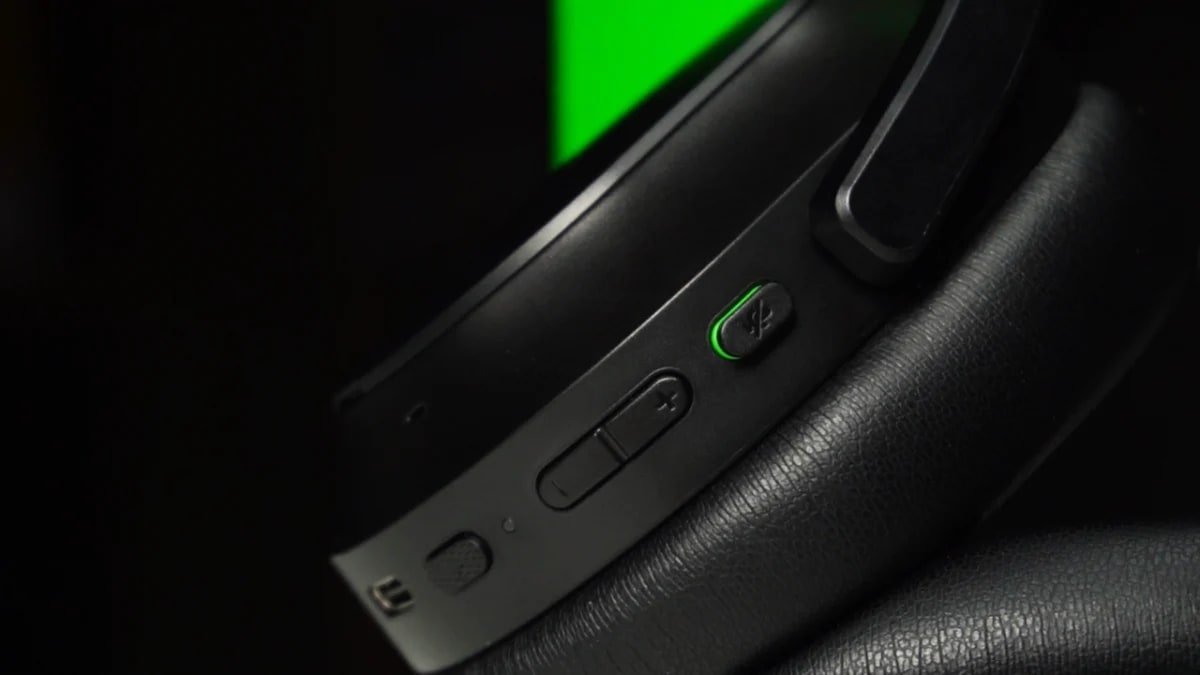
On PC, Synapse covers the usual ground with sound EQ, mic EQ, mic monitoring and a power saving mode, and there’s a physical mute button on the earcup for when you need it in a hurry. Away from the PC, Razer says all of that lives in the Razer Audio app on your phone, and here I have to leave a gap. The app wouldn’t find my headset, most likely because I had the unit before release, so I can’t tell you how well it works, only that it’s untested rather than bad.
How does it hold up away from the desk?
This is where I expected the compromises to show, and instead it’s where the headset surprised me most, because the noise cancelling is very good. Not good for a gaming headset, good full stop. It belongs in the same conversation as the better dedicated travel headphones I’ve used, which is not a sentence I expected to write about anything with a Razer logo on it. You get four strength levels and an ambient mode, so you can shut out a whole flight when you need to or drop it right down to hear a knock at the door at home.
It carries well too. At 285 grams it never feels like you’re hauling gaming gear around, and folded flat it takes up about the same room in a bag as any travel pair. My favourite detail is hidden in the earcups, where the outer covers come off with a magnet, and under the left one is a small compartment for the dongle. Dongles vanish in bags, and building a home for one into the headset is the kind of small, obvious idea that nobody else seems to have had. The right cover comes off as well and hides absolutely nothing, which is either a hint at custom plates to come or a designer’s commitment to symmetry, but either way the left one is a real quality of life win.
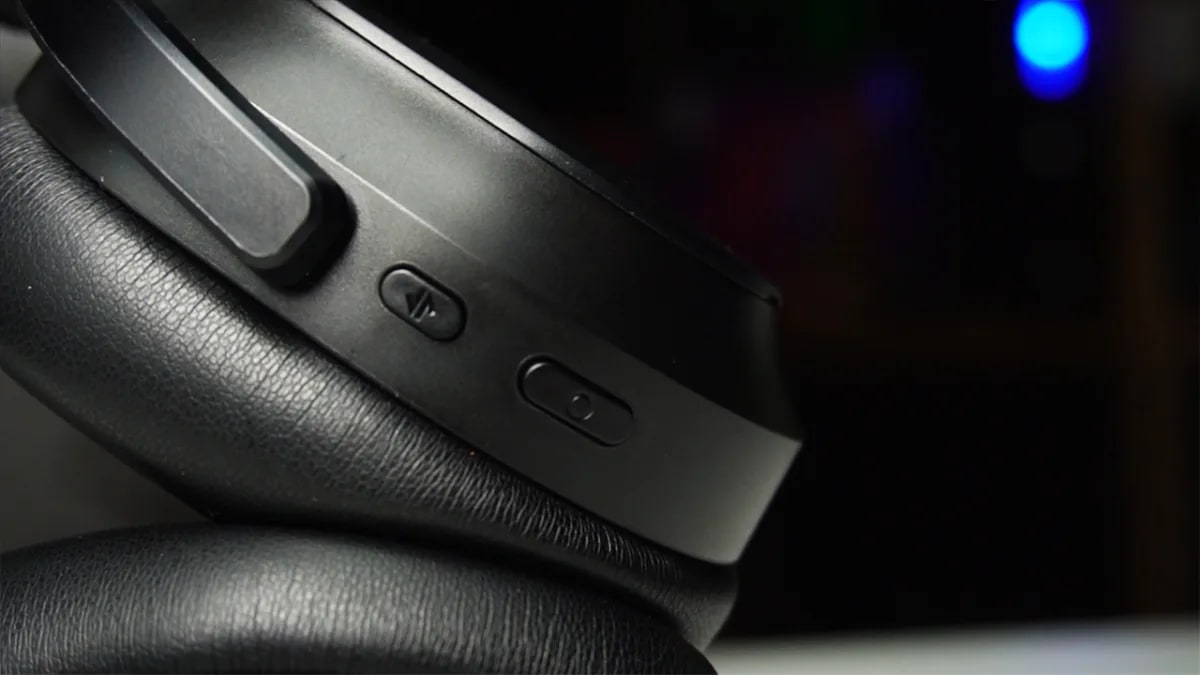
Every control is a physical button, and after months of swiping at the side of my head with the Sony XM5s and hoping the gesture registered, that alone was enough to make me happy.
Where does it fall short?
Nowhere serious, but there are a few things worth knowing before you order. The fit runs tight. It was comfortable enough that I never took it off mid session, but it isn’t the most comfortable headset I’ve worn, and if you have a bigger head like mine you’ll notice the clamp by the end of a long evening.
The buttons also feel cheaper than the rest of the headset, the volume rocker in particular, and plugging the boom mic in takes more force than feels right. Each button does several jobs as well, with a double tap to switch connection modes and a long hold on the multifunction button for Bluetooth controls, and some of the combinations are hard to keep straight at first, so keep the manual within reach for the first week.
Battery doesn’t make the list. Razer quotes up to 70 hours on the dongle with noise cancelling off and 50 with it on, my experience lined up with that, and even the lower figure is a lot of gaming and commuting between charges.
How much is the Razer Barracuda V2 Pro in NZ, and where can you buy it?
Razer’s NZ RRP is NZ$399.95, and for now the only place to buy one is Razer’s own NZ online store. That isn’t a bad place to buy from, as it happens: standard delivery is free on orders over NZ$169, there’s stock for delivery within the week, and it comes with a two year warranty and 14 day returns.
As of the 27th of October 2026, PB Tech’s Razer headset range doesn’t include it, and I couldn’t find it at JB Hi-Fi, Noel Leeming or Mighty Ape either. Razer’s other current headsets all made it onto those shelves eventually, so expect the Barracuda to follow, but if you want one this week it’s Razer direct. For context, PB Tech currently has the BlackShark V3 Pro on special at NZ$406.49, and that’s a sale price, so the Barracuda undercuts it even at full RRP.
Should you buy the Razer Barracuda V2 Pro in NZ?
I went looking for the catch in a gaming headset that looks this "normal," and the honest answer is that there isn’t one that matters. The game audio is strong, the music is better than it needs to be, the mic is the best I’ve used on a headset, and the noise cancelling embarrasses a few pairs of headphones that do nothing else. What you put up with in return is a tight fit, some cheap feeling buttons, a learning curve on the controls and no Xbox support, and none of that changes how good it is to live with day to day.
If you’d rather spend half the money and can live without noise cancelling, Razer’s own Kraken V4 X Sensa does haptics for under NZ$200 and is worth a look. But if you play on PC, PlayStation, Switch or Steam Deck and want one headset that works as hard on the bus as it does at the desk, this is the one I’d buy.
FAQ
How much is the Razer Barracuda V2 Pro in NZ?
Razer’s NZ RRP is NZ$399.95. It launched on the 15th of October 2026 and is sold through Razer’s NZ online store with free standard shipping on orders over NZ$169 and a two year warranty.
Where can you buy the Razer Barracuda V2 Pro in NZ?
At the time of writing, only from Razer’s own NZ store. PB Tech, JB Hi-Fi, Noel Leeming and Mighty Ape don’t list it yet, though they all stock Razer’s other headsets, so local availability is likely to follow.
Does the Razer Barracuda V2 Pro work with Xbox?
No. It connects to PC, PlayStation, Switch and Steam Deck over the 2.4 GHz dongle and to phones over Bluetooth, but Xbox isn’t supported. Razer’s BlackShark V3 Pro has a dedicated Xbox version if that’s your console.
Is the Barracuda V2 Pro better than the BlackShark V3 Pro?
They’re aimed at different people. The BlackShark V3 Pro is an esports headset built for the desk, while the Barracuda V2 Pro is for someone who wants one headset for gaming, music and commuting, with noise cancelling and a design that doesn’t announce itself. If you never leave your desk, buy the BlackShark. If you do, buy the Barracuda, and it’s cheaper.
Apple's new watch is almost impossible to tell apart from last year's. Underneath, though, the health tracking has been rebuilt from scratch, and that changes who should buy one.
After years of insisting it didn't need magnets, Razer has built a magnetic keyboard. At $239 it's cheaper than its rivals here, and it gets there by leaving a lot out. Here's whether the trade is worth making.