
HP's New PC Is a Keyboard, and It's Coming to New Zealand
HP has put a full Windows desktop inside a keyboard, and it's coming to New Zealand. I went to Sydney to use one, and came away impressed by the hardware but unsure who it's for.
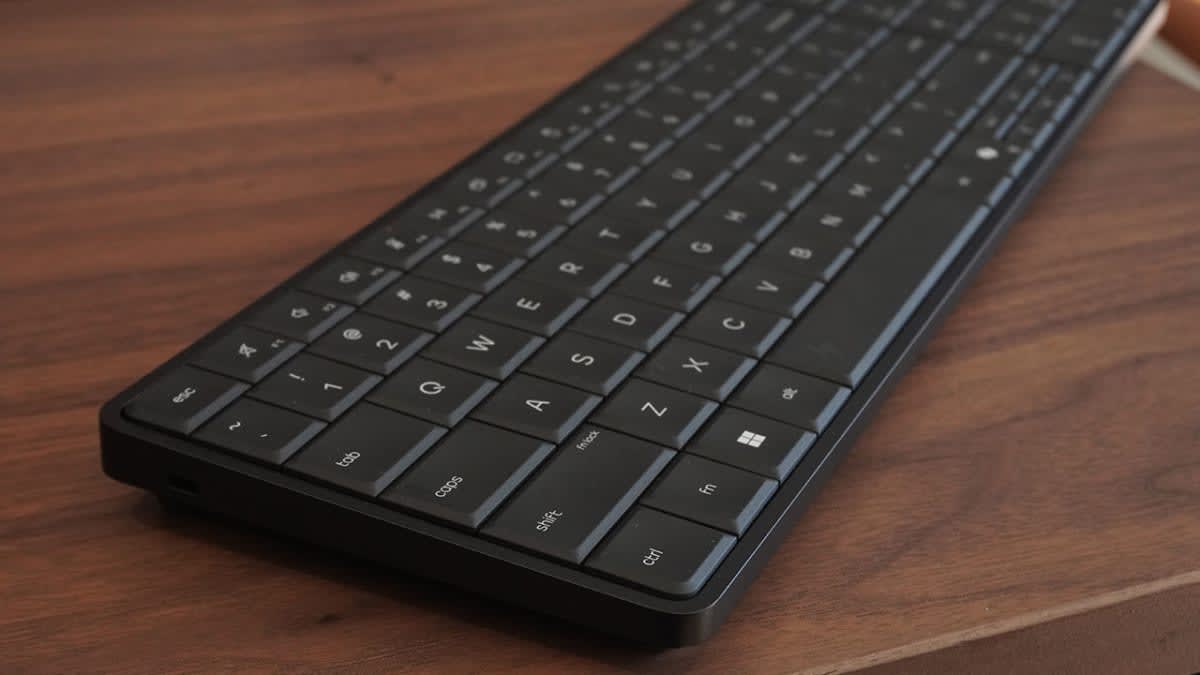
HP has put a full Windows desktop inside a keyboard, and it's coming to New Zealand. I went to Sydney to use one, and came away impressed by the hardware but unsure who it's for.
HP has built a desktop PC into a keyboard, and it's now on sale here.
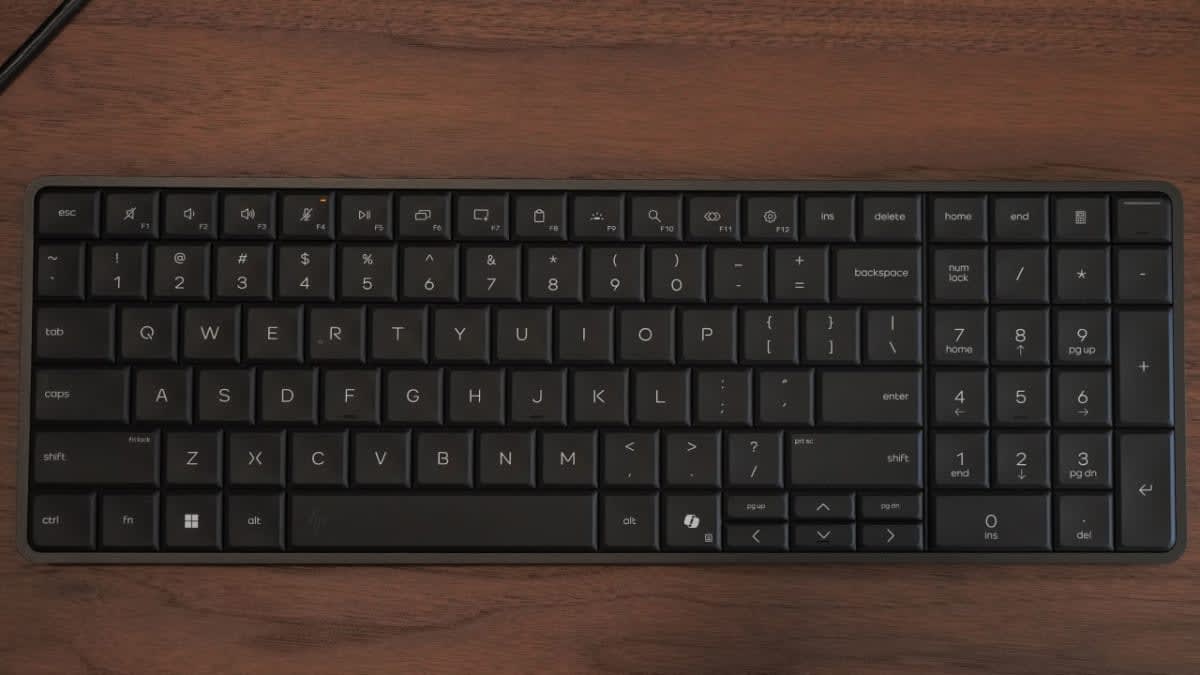
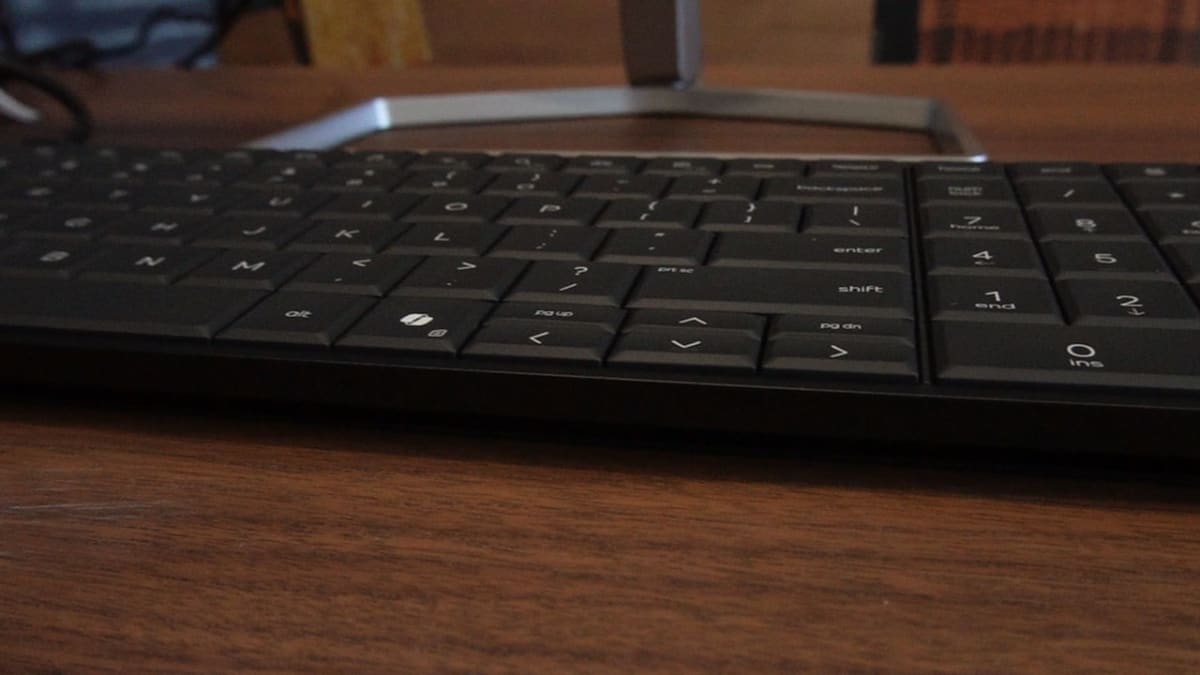
Not a keyboard with a computer bolted underneath. Not a mini PC hiding behind the monitor. The processor, the memory, the storage, the speakers and the cooling all sit under the keys.
The whole thing weighs 670 grams and looks, at a glance, like a peripheral.
HP flew me to Sydney to see it. I came away impressed by the engineering and unconvinced by the pitch, which is an odd combination to sit with.
HP has built an entire Windows 11 Pro desktop into a full-size keyboard. The EliteBoard G1a runs AMD Ryzen AI silicon rated at up to 50 TOPS and connects to a monitor over a single USB-C cable. HP has confirmed it for New Zealand, sold through HP.com, with an announced starting price of NZ$3,200.
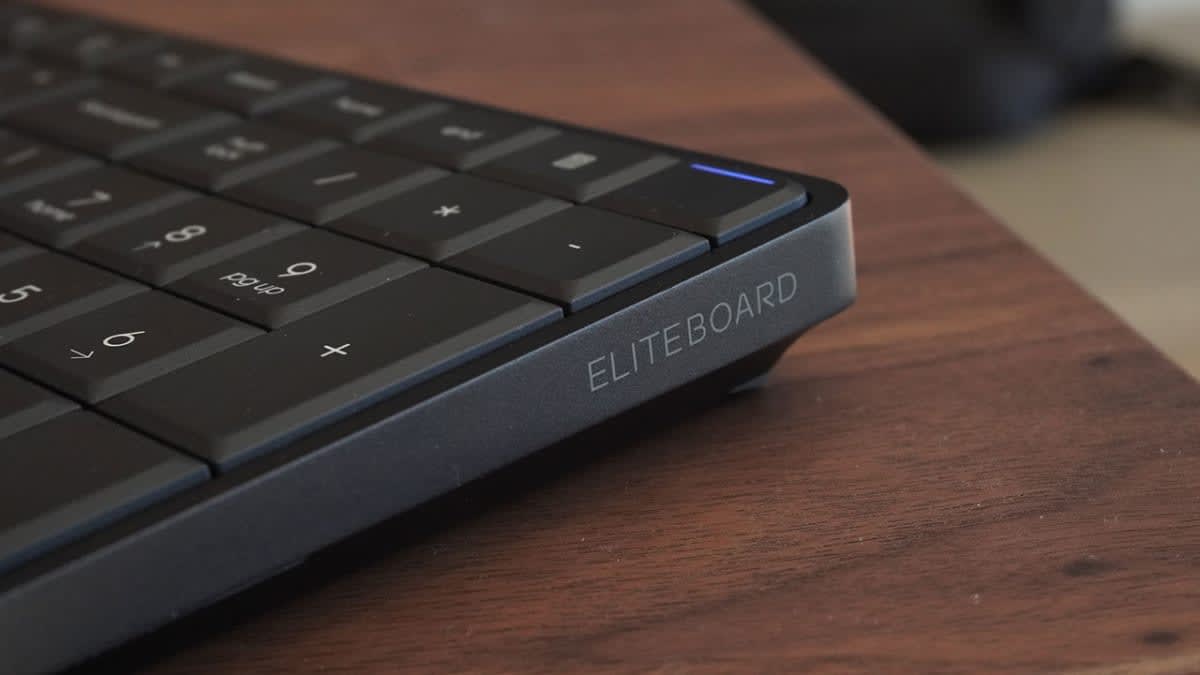
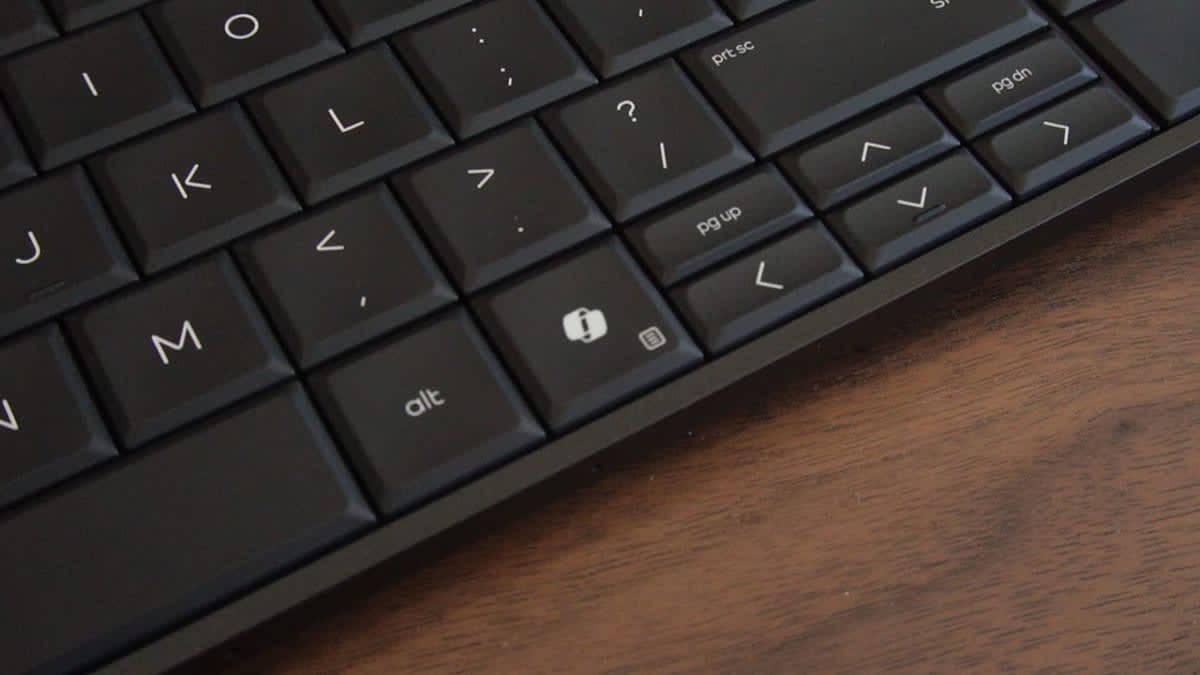
It's a full Windows 11 Pro desktop that HP has fitted inside a full-size keyboard, 17.9mm thick and light enough to carry around all day.
It runs an AMD Ryzen AI processor, and depending on how you configure it you can have up to 64GB of memory and 2TB of storage. The NPU is rated at up to 50 TOPS, which is enough to make it a Copilot+ PC, and HP says it will drive four 4K displays.
There are two USB-C ports on the back edge, one of them USB4 with DisplayPort 2.1b. You can plug a monitor into it with one cable and that's the whole setup. There's nothing left on the desk except the screen and the thing you're typing on.
| Processor | AMD Ryzen AI 5 330, quad-core, up to 4.5 GHz |
| NPU | Up to 50 TOPS (56 TOPS total system) |
| Graphics | AMD Radeon 820M |
| Memory | 16GB DDR5-5600 SO-DIMM, 2 slots, 1 free |
| Storage | 512GB PCIe 5.0 NVMe M.2 |
| Ports | 1x USB4 / DisplayPort 2.1b, 1x USB-C 3.2 Gen 2 / DisplayPort 1.4, both PD |
| Wireless | Wi-Fi 6E, Bluetooth 5.3 |
| Operating system | Windows 11 Pro |
| Security | HP Wolf Security, TPM 2.0, tamper sensor, Kensington nano lock slot |
| Dimensions | 35.81 x 11.87 x 1.79 cm |
| Weight | 670 g |
For most of the eighties the keyboard simply was the computer, because building it that way was cheapest. The Commodore 64, the ZX Spectrum and the BBC Micro all plugged into whatever screen the house already had, usually the telly.
Then laptops got cheap, the tower took over the office, and the format quietly died. Asus had a go at reviving it with the Eee Keyboard at CES in 2009, and if you've never heard of that one, that makes the point.
What's changed since is the cable. A single USB-C connection now carries power, video and data at once, which is the thing that never existed the first time around.
HP has built the entire EliteBoard around that one capability, and without it the whole concept falls apart.
Putting a computer inside a keyboard creates an obvious problem, which is that somebody will eventually tip a flat white onto or worse, into it. Normally that's a $40 peripheral in the bin, but here it would be the whole machine.
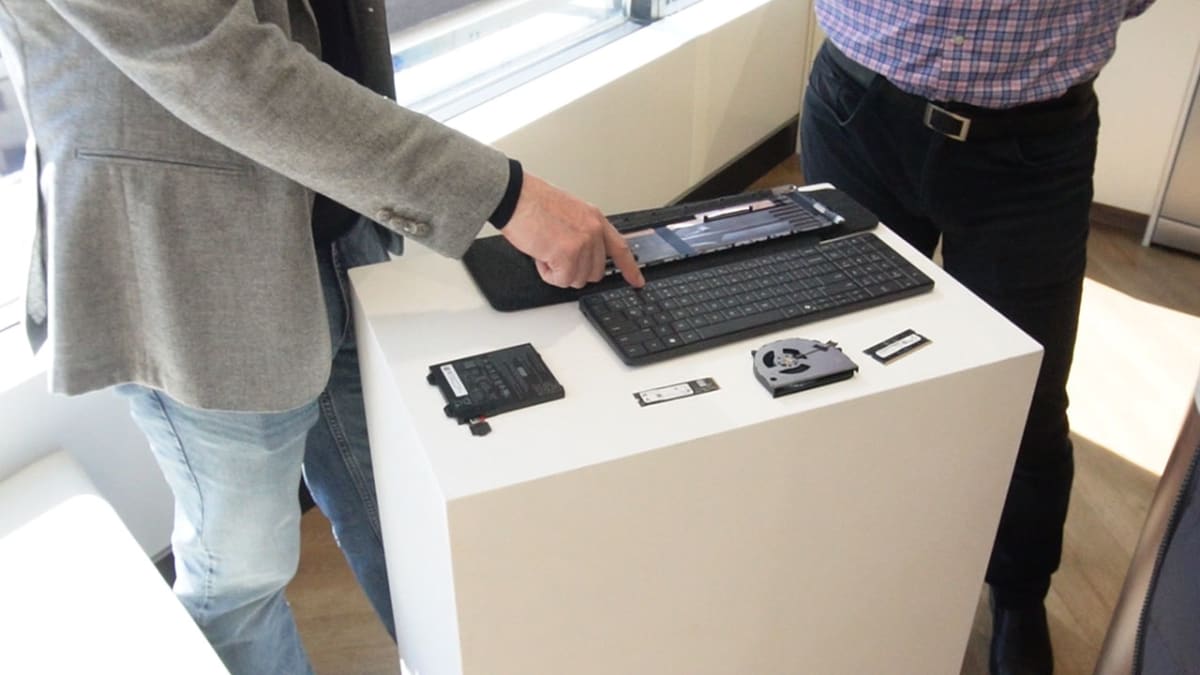
HP's answer is a spillproof keyboard membrane you can replace yourself. The memory is standard laptop SO-DIMM, the storage is a standard M.2 drive, and the fan, wireless card, speakers and optional battery all lift out too.
HP quotes under ten minutes for a full keyboard swap with no special tools and will sell you the parts. I watched a technician strip one at the launch and it looked as easy as he claimed, though I haven't had a go myself.
But what I want to know is whether those parts will actually sit in a warehouse in Auckland.
A repairable computer whose replacement deck is three weeks away on a boat isn't repairable in the way a business cares about, and Kiwis missing out on the service tier happens often enough that I'm not holding my breather that it's a possibility.
The single cable comes with a condition - It only works if your monitor takes power and video over USB-C, and that means USB-C with DisplayPort alt mode and power delivery, not just any port of that shape. Newer panels increasingly have it, but the HDMI and DisplayPort screens already sitting on most New Zealand desks do not, and those will need HP's optional hub or adapter.
Two ports doesn't go far - Once a display and a power source or a mouse have taken one each you're out, so plenty of setups will end up on a dock anyway.
The fan sits directly under your hands - HP has certified the machine for low noise, but how it behaves under sustained load is something to measure.
There's no screen, no trackpad and no battery as standard -HP lists the 32Wh internal pack as an option, and it's the kind of thing to confirm on the exact SKU you're quoted rather than assume.
HP doesn't have a crisp answer to this, and said as much at the launch. The best on offer was that it's a choice, another option on the shelf.
The commercial logic is clearer than the consumer logic. This is enterprise kit, sold with HP Wolf Security, fleet management tooling, a Kensington nano lock slot and a three-year warranty.
Its natural home is hot-desking, where an organisation can hand each employee a computing environment that fits in a drawer while the monitors stay bolted to the desks. Call centres, clinical workstations and shared-desk offices all fit that shape.
That case is narrower. The strongest version I can build involves hybrid work across two fixed monitor setups, one at home and one in the office.
Docking and undocking a laptop every day is tedious, and an open lid pushes you off to one side of your external screens so you end up typing at an angle. I've done that for years and can confirm it's genuinely annoying.
Carrying only the keyboard fixes it neatly, because you leave the monitors where they are and type dead centre of your own setup.
Then you start counting what it takes to get there. You need USB-C monitors at both ends, a mouse in the bag, an adapter if your screens are older and a dock if two ports isn't enough.
The clean-desk promise turns up with a shopping list attached.
Not a laptop, which is a screen, keyboard, trackpad and battery in one lid with nothing to set up.
What HP has really built is a mini PC that's learned to travel, and that's what it should be judged against. Measured that way it's the first version of the keyboard PC that isn't a novelty, which is more than the Eee Keyboard ever managed.
Whether the form factor is worth what it asks of the rest of your desk is the question I can't answer from ten minutes in a demo room. A review unit is on the way, and the fan noise and the New Zealand parts supply are the two things I want to test properly.
HP has confirmed the EliteBoard for New Zealand and says it will be sold through HP.com, with an announced starting price of NZ$3,200. There's no firm on-sale date yet, and the New Zealand product page is still marked as coming soon.
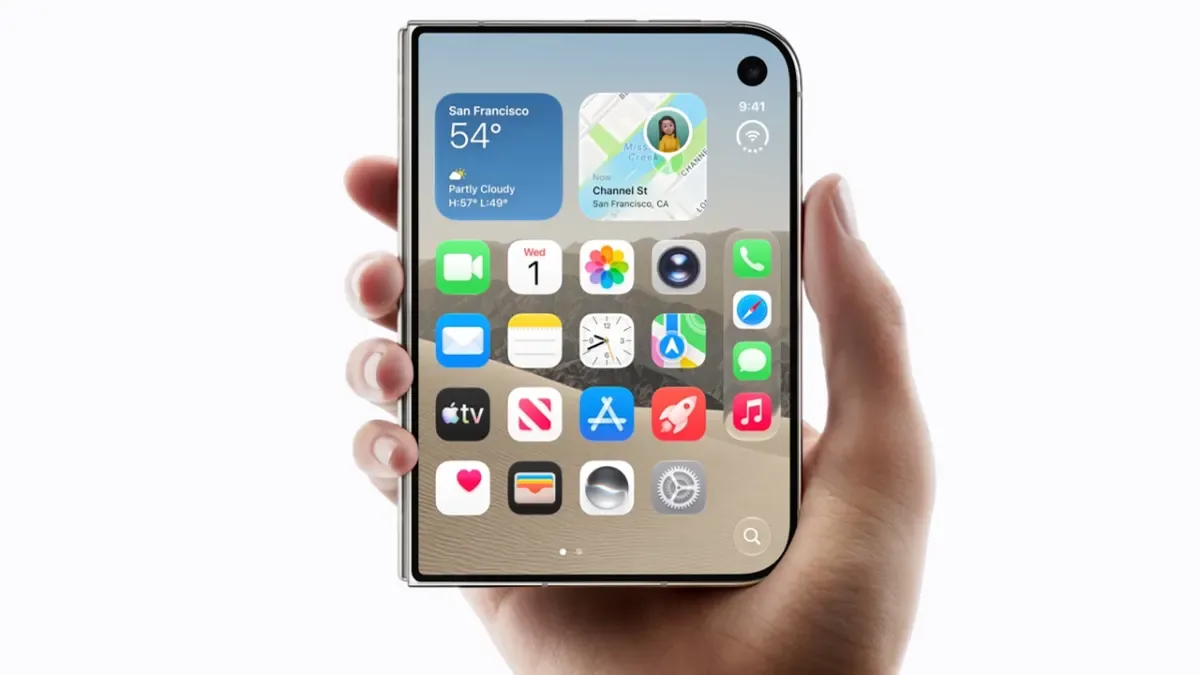
Apple’s first folding iPhone is NZ$4,199 and on sale from the 23rd of October. Here’s every NZ price, what the telcos are knocking off, and the eSIM detail that catches people out.
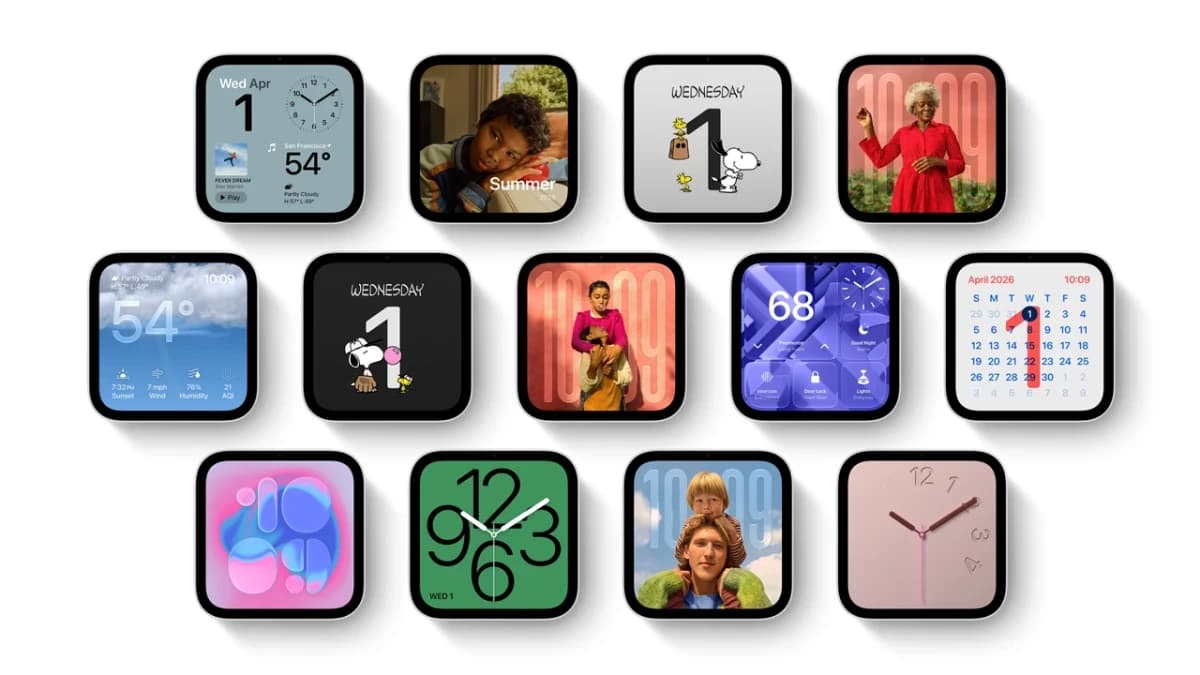
Apple’s first smart display is coming to New Zealand at $599, and for once we’re in the first wave. The catch? The accessories Apple built to go with it are staying overseas.

The new Harry Potter series lands on HBO Max on the 25th of December. Here's how to watch it in NZ, the cheapest way to do it, and the Samsung TV catch.